
Court Date Calculator
Click below to download the Court Date Calculator desktop software for Windows.
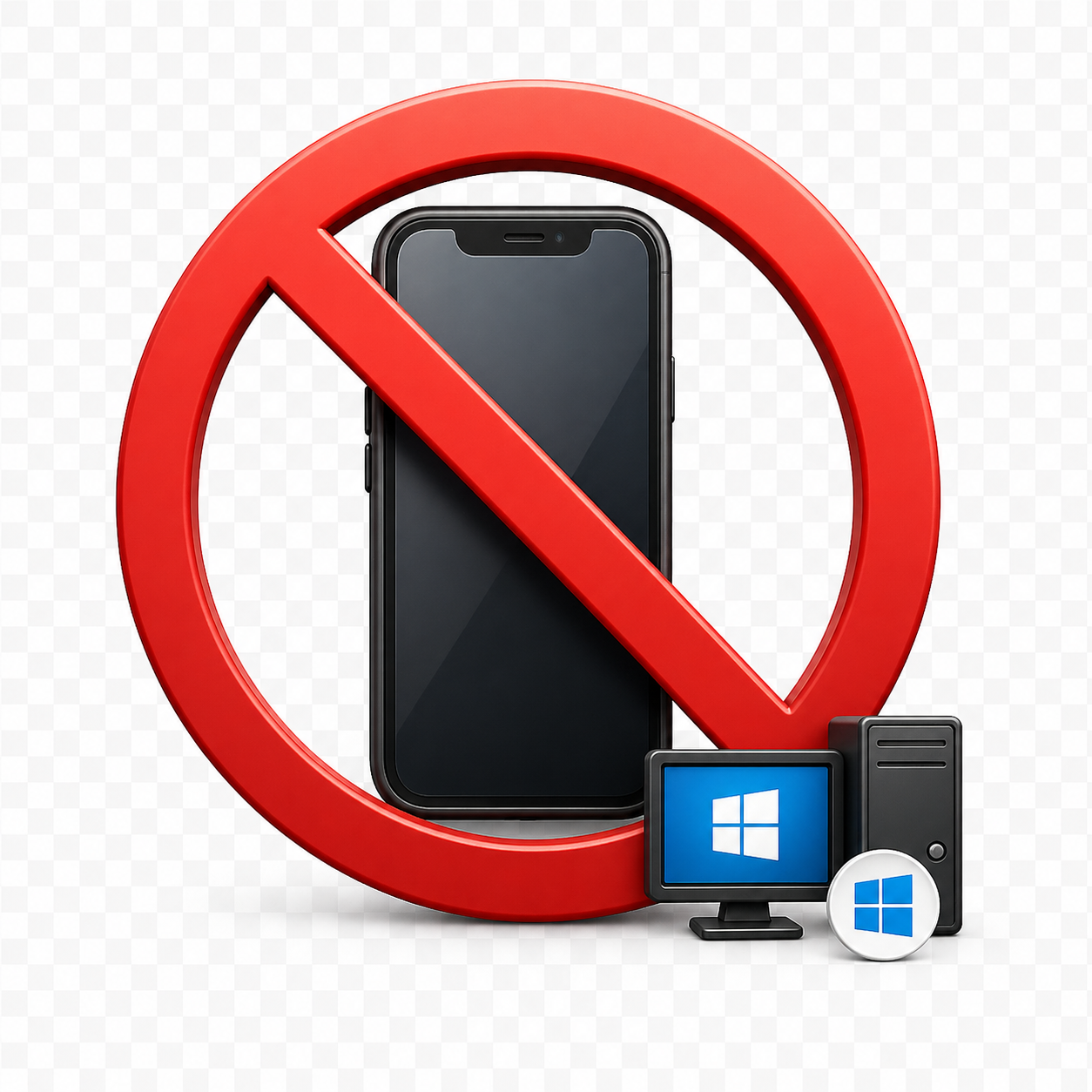
- Windows Desktop Only — Not compatible with iPhone, iPad, or Android devices
This download is a Windows ZIP file containing the installer for the Court Date Calculator desktop software.
This software is designed for Windows PCs and will not run on mobile devices.

- Windows Desktop Only — Not compatible with iPhone, iPad, or Android devices
This download file is a CSV formatted list of court holidays from 2020-2030 that can be imported into the court date calculator. While this list was made for Los Angeles California Superior Court holidays, it can be edited in Excel for your specific needs. This software is designed for Windows PCs and will not run on mobile devices.
The Court Date Calculator, developed by Court Calendar Daily, is an easy-to-use Windows application designed for legal professionals who need quick and accurate date calculations for filing deadlines, appearances, and other court-related events.
Simply use today’s date or select a different date, choose between calendar days or court days, and the software automatically adjusts for weekends and recognized holidays.
How to Download and Install the court calculator application for Windows 10 and Windows 11 computer desktop systems.
Click the envelope icon or buttons above to download the Setup-Court-Date-Calculator.zip file.
Once the download finishes:
- Locate the ZIP file (usually in your Downloads folder).
- Right-click the file and select “Extract All…” to unzip it.
- Open the extracted folder and double-click Setup Court Date Calculator.msi or Setup.exe to begin the installation.
- Follow the on-screen instructions to complete setup.
Note: Windows or your browser may show a security prompt when opening a downloaded file. This is normal for new software — simply verify that the publisher is Court Calendar Daily and proceed.
All downloads from this site are scanned and verified before publication to ensure a safe installation experience.
Free Download
Your download includes a full application, giving you full access to all of the features of the Court Date Calculator.
Need Help?
For technical support, installation assistance, or license renewal questions, please contact support.
For registration and licensing instructions, please see the process here.